
Google Pics
#92 in Image editing
« An AI image generator integrated into Google Workspace: Create images from a prompt, then move elements, translate text, or edit a specific area »

Verified Tool



Updated on September 14, 2026
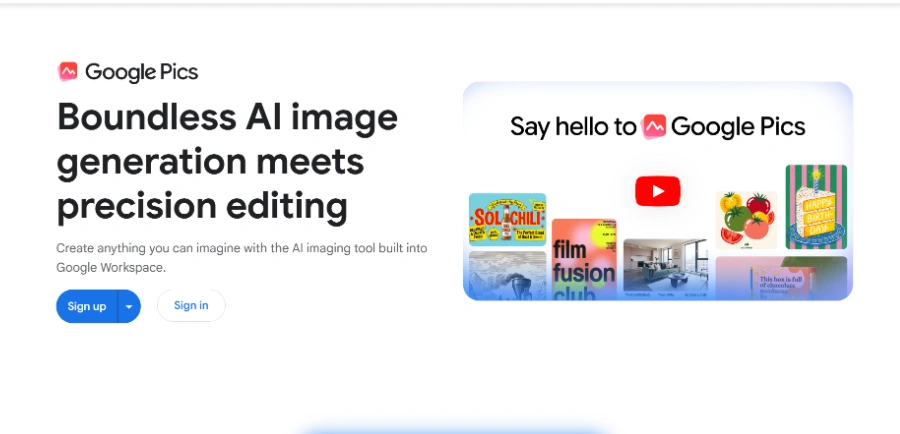
Google Pics is the AI image generation and editing tool built into Google Workspace. Type pics.new in your browser, describe a picture or import one from Drive, Google Photos or your computer, and the editor opens. Access comes bundled with Workspace Business Standard plans and above, plus Google AI Pro and Ultra subscriptions, with no standalone free tier. Announced at Google I/O, the tool reached general availability a few months later and is still rolling out account by account.
Google Pics generates an image from a written prompt, suggests several alternatives, then lets you adjust any single element without disturbing the rest. The trick is image segmentation, as the tool detects the teapot, the logo or the person in your photo by itself and understands how those objects fit together.
A quick scenario says it all. You select the headline of a flyer, reword it, restyle it or translate it into another language, and the background stays untouched down to the pixel.
Under the hood run Google's Nano Banana image models, the same family behind over 150 million images generated in Gemini every day and a regular fixture among the top text-to-image models on the market.
Workspace integration is the real argument for Pics against Canva or Adobe Express. An image sitting in Google Slides or Google Docs gets edited in place, the editor opens as an overlay and hands the document back once you approve the change (the file lands in Drive, so no hunting for it later).
Teamwork follows the same logic as the rest of the suite. A canvas is shared by link, and several people can edit it at the same time, exactly like a regular Doc.
| Where you work | What Pics does there |
|---|---|
| pics.new | Generation, import and full editing |
| Google Slides | In-place editing of presentation images |
| Google Docs | Infographics and illustrations in the document |
| Google Drive | Storage, opening and file management |
| Shared canvas | Simultaneous co-editing via a link |
Google Pics has no price tag of its own, it ships inside existing subscriptions. On the consumer side, Google AI Pro at $19.99 per month or Google AI Ultra include it. On the business side, Workspace plans from Business Standard upward switch it on by default for every paying account concerned.
Admins keep control in the console, where the app can be scoped group by group if required. Workspace data protections extend automatically to the images you create, a detail legal teams will welcome. Google reshuffles its plans often, so the official help page remains the only dependable source for today's conditions.
No, there is no standalone free version. Google Pics comes included with Google AI Pro and Ultra subscriptions as well as Google Workspace Business Standard plans and higher. If you already pay for one of those, there is nothing extra to buy, simply open pics.new in your browser.
Two distinct jobs. Google Photos stores and organizes your personal pictures, while Google Pics creates and edits images for work, school or home projects. The two even work together, since Pics can import a photo kept in Google Photos and rework it from there.
Not quite, the two approach design differently. Canva or Adobe Express build a layout block by block inside a dedicated interface, while Google Pics puts the written prompt first and then refines object by object. For a team already on Workspace, Pics mostly spares you an extra subscription and an extra tab.
Yes, according to Google, existing Workspace data protections extend automatically to Pics. Files stay in your Drive under the same sharing rules as your documents, and admins can restrict the app to specific groups from the admin console, or turn it off entirely for the organization.
Verdict: A flyer fixed inside Slides without opening a single outside app, that is the immediate payoff. Google Pics belongs to teams already paying for Workspace or Google AI, and independent workers who live in Docs and Slides gain an image studio one short URL away.

« An all-in-one creative platform that brings together more than 30 image and video models in a single interface. It includes camera controls that let you direct like a real filmmaker, characters that remain consistent from scene to scene, and ready-to-use tools for ads and short-form content »



