


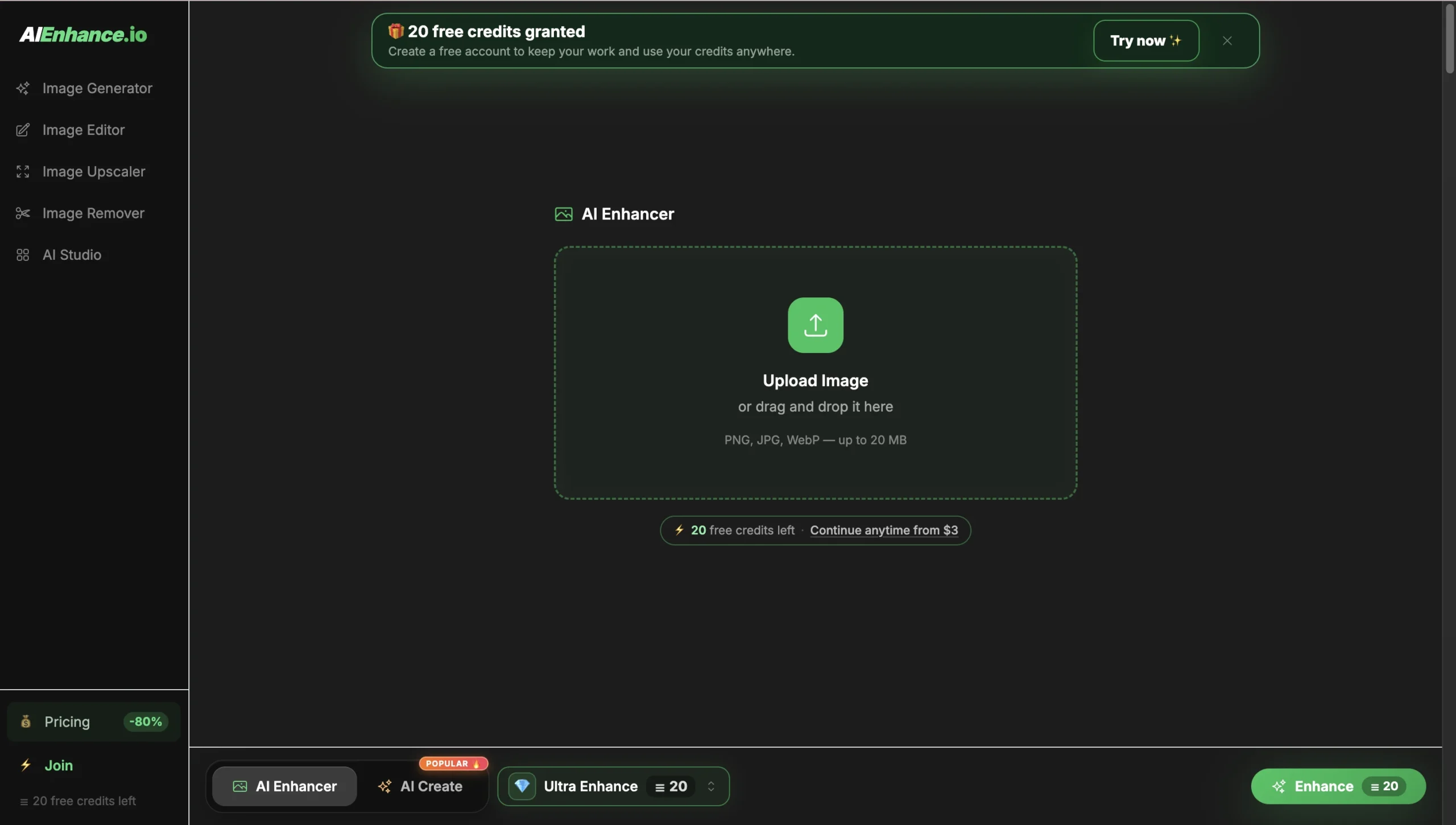
AIEnhance.io Review: AI Photo Enhancing, Editing and Generation in One Place
A great photo can easily be ruined by soft focus, poor lighting, low resolution, an unwanted object, or a distracting background. Fixing those problems traditionally means opening professional editing software, learning several tools, and spending far more time than the image is worth.
AIEnhance.io offers a simpler alternative. It brings photo enhancement, restoration, cleanup, creative transformations, and AI image generation into one online platform. The idea is straightforward: choose what you want to improve, upload an image, and receive a polished result without navigating a complicated editing interface.
But is AIEnhance.io only another one-click photo enhancer, or can it replace several separate image tools? Let us take a closer look at what it offers, where it works best, and who will get the most value from it.
What Is AIEnhance.io?
AIEnhance.io is an online collection of AI-powered tools for editing and creating images. It is designed for people who want professional-looking results without becoming professional photo editors.
The platform covers both practical and creative tasks. Users can improve blurry photos, enlarge small images, restore old pictures, remove backgrounds and unwanted objects, create profile photos, experiment with new visual styles, or generate entirely new images from a written idea.
Instead of placing every possible control inside one large editor, AIEnhance.io separates common tasks into focused tools. This makes the experience easier for beginners while still giving content creators, online sellers, marketers, and photographers enough flexibility for everyday work.
Main Features and Use Cases
1. AI Photo Enhancement
The main photo editor improves an image’s overall appearance in a single workflow. It can make a picture look clearer, balance difficult lighting, improve colors, reduce visible noise, and bring more definition to important details.
This is particularly useful for phone photos taken indoors, social media images, product pictures, travel photography, and older files that have been compressed several times. The goal is not to apply an exaggerated filter, but to produce a cleaner version of the image that still feels natural.
2. Unblur and Image Sharpening
AIEnhance.io includes dedicated tools for soft, blurry, and slightly out-of-focus photographs. They are especially helpful for portraits where the face is recognizable but important details around the eyes, hair, and facial features have become unclear.
There are also options for improving the full picture rather than concentrating only on a face. This makes the feature useful for landscapes, products, pets, screenshots, scanned images, and everyday photography.
No AI tool can perfectly recover information that is completely missing from an image, but recoverable photos can often become significantly cleaner and more usable.
3. Image Upscaling and Restoration
Small images often look acceptable on a phone but fall apart when used on a larger screen, website, presentation, or printed design. The image upscaler enlarges pictures while improving their visible detail, helping users reuse files that would otherwise be too small.
The restoration tool focuses on old, faded, noisy, or damaged photographs. It can revive family memories, scanned prints, and compressed digital images while preserving the atmosphere of the original picture. This is one of the platform’s most valuable uses because many personal photographs cannot simply be taken again.
4. Background and Object Removal
Not every problem requires changing the entire photograph. Sometimes the image is good, but one distracting object, person, cable, sign, or background element needs to disappear.
AIEnhance.io lets users clean up selected areas and simplify the composition without manually cloning or painting over the image. The background remover is also useful for producing clean product photos, profile pictures, marketplace listings, promotional materials, and social media graphics.
Simple backgrounds and clearly visible objects usually provide the strongest results. Complex scenes may occasionally benefit from another attempt, but the process remains considerably faster than detailed manual retouching.
5. AI Image Generation
The platform is not limited to correcting existing photographs. Its image generator can turn a written description into original artwork, realistic scenes, advertising concepts, social media visuals, mockups, and presentation assets.
Users can also begin with a reference image when they want the generated result to follow an existing subject, composition, or visual direction. This makes the generator useful for brainstorming ideas as well as producing finished creative assets.
Having generation and editing tools in the same platform creates a convenient workflow: generate an image, improve it, enlarge it, or continue adapting it for another purpose.
6. Creative Portrait and Style Tools
AIEnhance.io includes several tools created for experimentation and personal content. A photo can be transformed into an anime illustration or pencil sketch, while portrait features can create a more polished profile picture or simulate a professional photoshoot.
Users can also explore different hairstyles, facial expressions, warmer lighting, and appearance changes without permanently altering the source photo. These features are useful for social profiles, creative posts, mood boards, personal previews, and entertainment.
How to Use AIEnhance.io
The workflow is intentionally simple and does not require previous editing experience:
- Select a tool: Choose enhancement, unblur, upscaling, restoration, object removal, image generation, or another available option.
- Upload or describe: Add an existing image or enter a written description for a new visual.
- Review the result: Compare the output with the original and repeat the process if you want another version.
- Download the image: Save the finished result and use it in your personal or commercial project.
The service works in a modern web browser, making it accessible from desktop computers as well as mobile devices. There is no large application to install, and each tool provides a clear path from the source image to the finished result.
Advantages and Practical Benefits
- Multiple tools in one place: Users can enhance, restore, clean, transform, and generate images without switching between unrelated services.
- Easy for beginners: The focused tools avoid the intimidating interface of traditional professional editors.
- Useful on desktop and mobile: Photos can be edited directly from a computer or phone browser.
- Broad range of use cases: The platform supports personal photos, ecommerce, social media, marketing, profiles, and creative projects.
- Free to explore: New users receive free credits that allow them to try AI features before selecting a paid plan.
- Fast workflow: Common edits that once required several manual steps can be completed through a short guided process.
What Are the Limitations?
Results still depend on the quality of the source image. A mildly blurry portrait can often be improved, but a face with no recognizable detail cannot always be reconstructed accurately. Removing an object from a simple background is also easier than rebuilding a complex pattern or text hidden behind it.
AI-generated images may occasionally require a more specific description or another variation before they match the intended idea. These limitations are common across AI image tools, and users should review important details before publishing or printing a result.
Pricing
AIEnhance.io uses a credit-based system. New visitors receive free credits to explore the platform, while paid plans are available for users who edit or generate images regularly. Some basic utilities are available without using credits.
This approach is convenient for occasional users because they can test the service before paying, while creators and businesses can select a plan based on how frequently they work with images.
Who Is AIEnhance.io Best For?
AIEnhance.io is a strong option for content creators, online sellers, marketers, photographers, small businesses, designers, and everyday users who need better images without a lengthy editing process.
It is especially valuable for people who regularly move between different tasks. A seller may need to remove a product background, a creator may want to sharpen a portrait, and a marketer may need to generate a campaign concept. AIEnhance.io places all of those workflows under one roof.
Conclusion and Review of AIEnhance.io
AIEnhance.io succeeds because it makes a wide range of image tasks feel approachable. Its main strength is not a single novelty feature, but the combination of practical photo enhancement, visual cleanup, restoration, creative transformations, and image generation inside one accessible platform.
The results will naturally vary with difficult source material, and advanced professionals may still prefer manual editing for highly precise work. For most everyday images, however, the platform can save considerable time and turn an imperfect photo into something ready to share, publish, or continue developing.
If you want to improve existing photos and create new visuals without learning complex software, AIEnhance.io is well worth trying.
 More sites like AIEnhance.io in the category: #Image editing
Text generated by AI


 Copy Link


